
In the heart of Spring, Texas, gamers rely heavily on their PlayStations for entertainment and relaxation. But what happens when your trusted console starts misbehaving? Understanding PlayStation repair can save you time and stress, ensuring you get back to your gaming adventures as quickly as possible. This blog will guide you through everything you need to know about PlayStation repair with a friendly and straightforward approach.
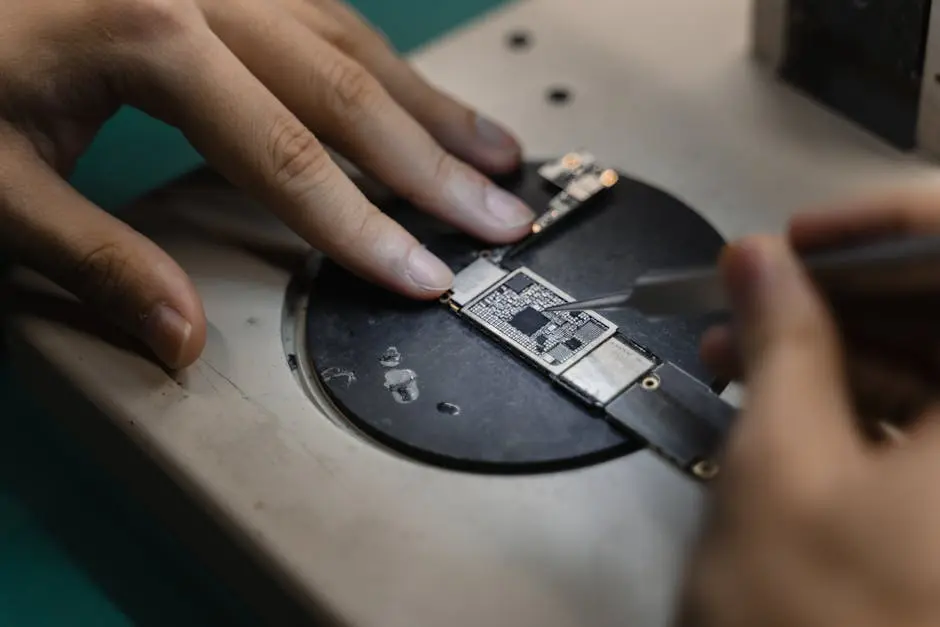
Common PlayStation Issues and How to Identify Them
From overheating to disk read errors, understanding common PlayStation issues is the first step in effective repair. Identifying symptoms early can help prevent further damage. For instance, if your console suddenly shuts down during a gaming session, it might be overheating. This often happens when the ventilation is blocked or if the internal cooling fan is malfunctioning. Regularly cleaning the console’s vents and ensuring it’s placed in a well-ventilated area can mitigate this problem. Another prevalent issue is the notorious ‘Blue Light of Death’, characterized by the console flashing a blue light instead of turning solid white when powered on. This could indicate problems ranging from power supply issues to hardware failures. By knowing these symptoms, gamers in Spring, Texas, can take proactive steps before the situation worsens.
Disk read errors are yet another common problem that PlayStation users may face. You might notice your console struggling to read or failing to recognize a game disc. Often, this can be attributed to dirt or scratches on the disk itself. Ensuring that disks are clean and properly inserted can avoid unnecessary frustration. If the problem persists, it might indicate an issue with the console’s laser lens, which may require professional cleaning. Additionally, connectivity issues with controllers, particularly the DualShock controllers, are frequent. These can often be resolved with a simple reset or by checking the battery integrity.
Audio and video issues, such as no sound or black screens, can also plague gamers. Ensuring that all cable connections are secure and undamaged is the first troubleshooting step. Often overlooked, but crucial, is updating your PlayStation’s firmware to the latest version, as these updates can fix bugs and enhance the overall system performance. By understanding and identifying these issues upfront, gamers can plan effective solutions, either at home or by seeking professional help.
Troubleshooting Tips: Quick Fixes You Can Try at Home
Before heading to a repair shop, there are several troubleshooting steps you can try at home. Learn how restarting your console, cleaning the lens, or updating software might solve the issue. A simple power cycle, which involves turning off the console and unplugging it for a few minutes, can often resolve minor glitches. When dealing with the PlayStation not reading disks, checking for dust accumulation in the disk drive and gently cleaning it with a compressed air canister may help.
Software updates play a vital role in the smooth functioning of your PlayStation. Keeping the system firmware up to date ensures optimal performance and resolves many issues. Navigate to Settings, then System Software Update, and follow the prompts to update your system. Restarting your PlayStation in Safe Mode is another effective method for troubleshooting. This mode allows you to rebuild the database, restore default settings, and update system software without launching games or apps, which can resolve numerous systemic problems.
Finding the Right Repair Service in Spring, Texas
Choosing a reliable repair service is crucial. Explore tips for selecting a trustworthy service provider in Spring, Texas, ensuring your PlayStation gets the care it deserves. Start by searching for repair services with good reputations and positive online reviews from verified customers. Confirm that the technicians have experience specifically with PlayStation repair. This expertise can make a significant difference in diagnosing and fixing the problem efficiently.
Ensure the service provider you choose uses genuine parts for replacements to maintain the integrity and lifespan of your console. It’s also important to discuss warranty options; reputable repair services typically offer warranties on both labor and parts. Visiting the repair shop in person can provide a clearer understanding of their operation and professionalism. Building a relationship with a trusted local service may also lead to valuable ongoing support for your gaming needs.
DIY Repairs: When and How to Attempt Them
For the tech-savvy and adventurous, some PlayStation repairs can be attempted at home. Learn which issues are safe to handle and the tools you’ll need for a successful DIY repair. Simple repairs, such as replacing controller batteries or cleaning the disk drive, can typically be managed at home with little risk. Having a basic toolkit, including screwdrivers and cleaning brushes, can be beneficial for addressing minor hardware concerns.
Preventive Maintenance for a Long-Lasting PlayStation
Keeping your PlayStation in top condition involves preventive care. Discover easy maintenance tips that help extend the life of your console and enhance your gaming experience. Regular dusting and cleaning of external ports can prevent overheating and hardware failures. Adjusting settings to reduce the maximum volume can also prevent speaker damage and audio distortion. Additionally, organizing and managing digital storage efficiently by deleting unused games and files can prevent system slowdowns and crashes.
Wrapping Up the PlayStation Repair Journey
Understanding how to handle PlayStation repairs can be a lifeline for avid gamers. Whether it’s knowing how to troubleshoot minor issues or finding the right repair shop, being informed is key. Spring, Texas gamers are never short of resources and options to ensure their consoles remain in top condition. Remember, regular maintenance and quick action on repairs can extend the lifespan of your PlayStation, keeping your gaming days smooth and enjoyable. For more information on professional repair options, visit our home page.

