
Tablets have become indispensable gadgets in our daily lives, offering a perfect balance between the functionality of a laptop and the convenience of a smartphone. But like any electronic device, they’re not immune to issues. In this blog, we’ll delve into some of the most common problems affecting tablets and explore practical solutions, making sure that when you search for ‘tablet repair near me,’ you’re informed and prepared.
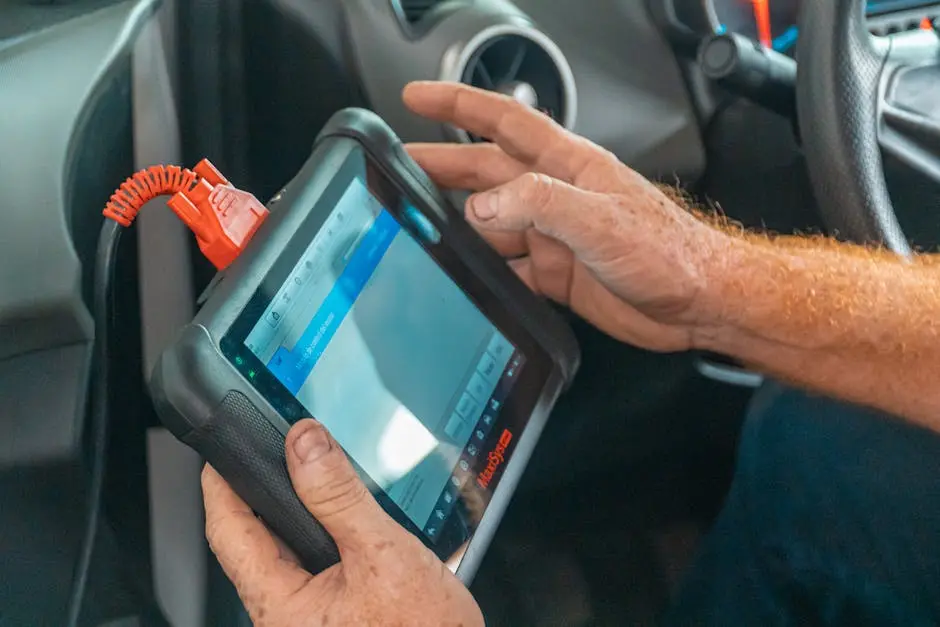
Touchscreen Troubles: Diagnosis and Fixes
Touchscreens are the heart of any tablet, often adored for their intuitive functionality and versatility. However, they are not immune to issues, with unresponsiveness being a common complaint among users. The first step toward resolving such issues often involves assessing whether the problem is hardware-related or software-related. One simple yet effective method is recalibrating the screen. Recalibration can help realign the screen’s sensors and improve touch accuracy. If the issue persists, a factory reset might be necessary. This drastic measure can resolve software glitches but will wipe your device clean, so always make sure to back up your data first.
Another issue users often encounter is a touchscreen behaving erratically. This might occur when the device is exposed to extreme temperatures or moisture. Ensuring that your tablet is kept away from environments with excessive heat, cold, or humidity can prevent such problems. Additionally, a screen protector can protect the touch interface from scratches and pressure, potentially prolonging its responsiveness. In scenarios where physical damage is evident or suspected, professional repair might be the best route. If your touchscreen issues persist despite troubleshooting, consider reaching out for tablet repair near me for expert advice.
Battery Drainage Solutions
Experiencing rapid battery drainage can be one of the most frustrating aspects of using a tablet. Fortunately, there are several strategies you can adopt to extend your device’s battery life. Start by identifying power-hungry apps. Many apps run in the background, consuming unnecessary energy. By regularly reviewing and closing these applications, you can save significant battery life. Additionally, adjusting your screen brightness to a lower setting can make a remarkable difference in battery longevity. Tablets often come with an adaptive brightness feature that automatically dims or brightens the screen according to ambient light levels, thus conserving energy.
Sometimes, the battery itself might be the issue. Over time, batteries lose their ability to hold a charge, leading to shorter usage periods between charges. A sign that your battery is nearing the end of its life is when it starts to swell or becomes hot during charging. In such cases, a replacement is likely necessary. Using the correct charger for your tablet is also critical. Using a charger with a different power rating can damage the battery or the charging port. Keep an eye out for warning signs and consult a professional if needed for a seamless and hassle-free experience.
Wi-Fi Connectivity Issues
Every tablet user dreads the ‘No Connection’ notification. Thankfully, there are simple solutions to most Wi-Fi connectivity issues. Begin by ensuring that your router is functioning correctly. Resetting the router by unplugging it for a few seconds and plugging it back in can often resolve temporary glitches. If the problem persists, consider forgetting the network on your tablet and reconnecting to it. This action can refresh your connection settings. Additionally, ensure that your tablet’s software is updated, as outdated software can sometimes lead to connectivity problems. Keep your device firmware up-to-date to avoid unnecessary disruptions.
Another factor to consider is the distance between your tablet and the router. Walls and other physical obstructions can weaken Wi-Fi signals, causing spotty connections. Try to stay within a reasonable distance from your router, and avoid interference from other electronic devices. Sometimes, adjusting your router’s frequency band from 2.4GHz to 5GHz can improve connection speed and quality, especially in congested areas with many competing signals. By consistently maintaining optimal settings and placements, you can enjoy uninterrupted access to online content.
Dealing with Overheating
Tablets can overheat due to numerous factors, such as overuse, resource-heavy apps, or environmental conditions. Preventing your tablet from overheating starts with understanding its capabilities and using it within those limits. Limit prolonged gaming sessions or use of demanding applications that can excessively strain the device. Make sure your tablet is in a well-ventilated area during charging. Generally, positioning your device away from direct sunlight and ensuring it remains on a cool surface can help regulate its temperature.
Regularly monitoring background apps and system signals can prevent overheating. These apps and processes, while running in the background, consume resources that generate heat. Make it a routine to clear unnecessary tabs and background activities. Additionally, investing in protective gear such as cases with built-in cooling features can maintain an optimal device environment, especially for extended usage. If you find that your tablet still suffers from overheating despite these measures, it may be wise to consult a professional to rule out any hardware faults.
Software Bugs and Glitches
Software issues are part of the technological landscape, affecting the functionality of even the most robust devices. Some common software bugs can manifest as slow performance, application crashes, or unexpected shutdowns. To address these issues, start by updating your apps and operating system. Developers frequently release updates to address bugs and improve functionality. If you encounter persistent problems, clearing your device’s cache can often resolve them. The cache is a storage of temporary files that can sometimes become corrupted, leading to glitches.
For more stubborn software problems, performing a factory reset might be the solution. While time-consuming, this process can eliminate deep-seated issues that standard troubleshooting methods cannot. Before proceeding, ensure all personal data is securely backed up to prevent data loss. Alternatively, if you’re apprehensive about managing these technical aspects, consider looking for tablet repair near me to consult with experienced professionals who can offer quality support and solutions tailored to your needs.
Keeping Your Tablet Running Smoothly
While tablets are powerful tools, they can occasionally face issues that need addressing. By understanding the common problems and their solutions, you can reduce downtime and extend the life of your device. And remember, if you ever feel out of your depth, many professionals are just a quick search away when you look up ‘tablet repair near me.’ Keep your tablet in tip-top shape and enjoy seamless performance whenever you need it.

