
Touchscreens have become an integral part of our daily lives, from smartphones to tablets and even home appliances. However, like any other piece of technology, they can sometimes run into issues that hinder their functionality. In this blog, we’ll explore some of the most common touchscreen problems you might encounter and provide straightforward solutions to get your devices back in top shape.
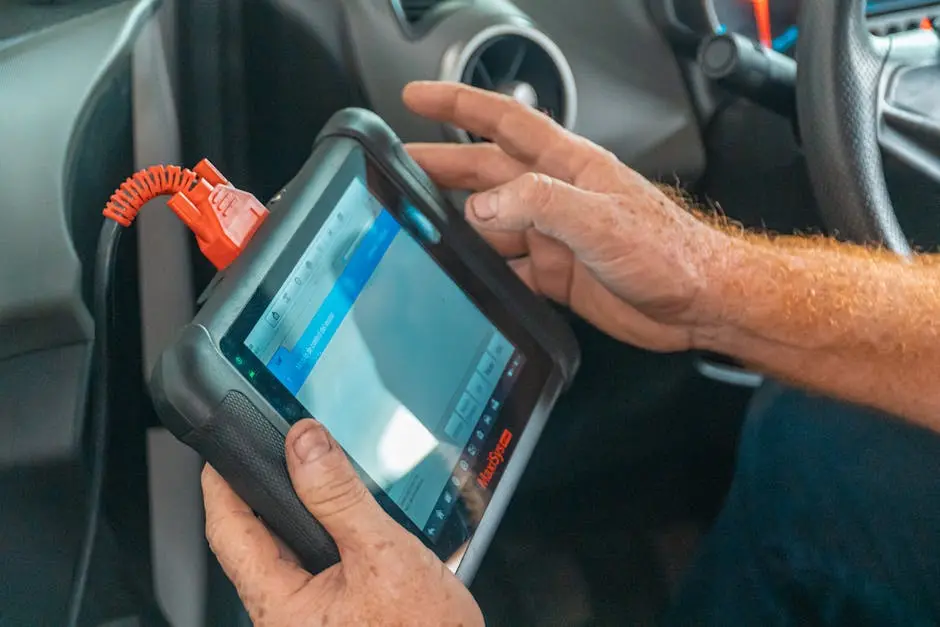
Identifying Unresponsive Touchscreens
When your touchscreen stops responding to your touches, it can be distressing. This issue might arise from software glitches, dirty screens, or a need for recalibration. We’ll guide you through each step to diagnose and fix the problem.
The first step in troubleshooting an unresponsive touchscreen is to make sure your screen is clean. Dust and fingerprints can sometimes hinder touch sensitivity. Try using a microfiber cloth to gently clean the screen. Additionally, it’s wise to reboot your device, as this simple solution often resolves minor software conflicts that may affect touch functionality.
If cleaning your screen doesn’t work, consider checking if the problem is software-related. Many users find that a simple device reboot can rectify the issue. In cases where a reboot is ineffective, a software update might be needed to fix underlying bugs that hamper screen responses.
Dealing with Ghost Touches
Ghost touches occur when your device registers touches you haven’t made. Learn what typically causes this issue, such as software problems or physical damage, and discover how to address it effectively.
Ghost touches can be particularly frustrating because they interfere with your workflow. Often, they are a result of hardware problems such as a damaged screen or internal component. Before diving into hardware fixes, ensure that your software is up-to-date. Certain updates may include patches that resolve touch anomalies caused by programming faults.
If the ghost touches continue despite software updates, it could be a case of electromagnetic interference. This is more common than you might think, especially in devices with poorly insulated cables or connectors. To mitigate this, try using the device away from other electronics to see if the problem persists.
Resolving Cracked or Broken Screens
Cracked screens are a common complaint among touchscreen users. We’ll look at the steps you can take to repair minor cracks at home and when it’s necessary to seek professional help.
A cracked screen doesn’t just ruin the aesthetic but can also affect touchscreen functionality. For minor cracks, you can use a DIY kit to fill in the crack and prevent further spreading. However, for larger cracks, professional repair might be necessary. Our expert services at CelleRepair can handle significant damage efficiently and affordably.
Fixing Touch Sensitivity Issues
Is your screen too sensitive or not sensitive enough? Understanding the causes behind sensitivity issues can help you adjust settings for a better user experience or determine if a hardware issue exists.
Adjusting the touch sensitivity settings can often resolve issues where the screen seems too reactive or not reactive enough. Head into the settings menu of your device to find touchscreen sensitivity settings. If changes here don’t yield results, there may be a deeper hardware issue at play.
Software Updates and Their Impact
Software updates can both solve and create touchscreen problems. We’ll discuss how to ensure updates do more good than harm and how to handle issues if they arise after an update.
Regularly updating your software is crucial to device maintenance, especially in an era where software governs functionality. That said, not all updates are without hiccups. To preempt issues, always back up your data before updating, and read update logs to understand what changes the new software brings.
In cases where an update causes more harm than good, rolling back to the previous stable version can be a solution until a new patch is available. If this sounds daunting, our specialists at CelleRepair are always ready to assist in mitigating software-related touchscreen issues.
Keeping Your Touchscreen Devices Running Smoothly
Touchscreen issues can be frustrating, but with the right approach, many problems can be solved easily from the comfort of your home. By understanding common issues and their solutions, you’ll be better prepared to keep your devices functioning smoothly. Remember, when in doubt, reaching out to a professional repair service can save time and prevent further damage.

